
Top Norton Ghost Alternatives for 2026 (Best Free & Easy Tools)
Norton Ghost is outdated and doesn't work on modern computers. This guide reviews the best free and professional alternatives to help you easily clone your disk and upgrade your system to Windows 11.

By Ellie Updated July 27, 2026


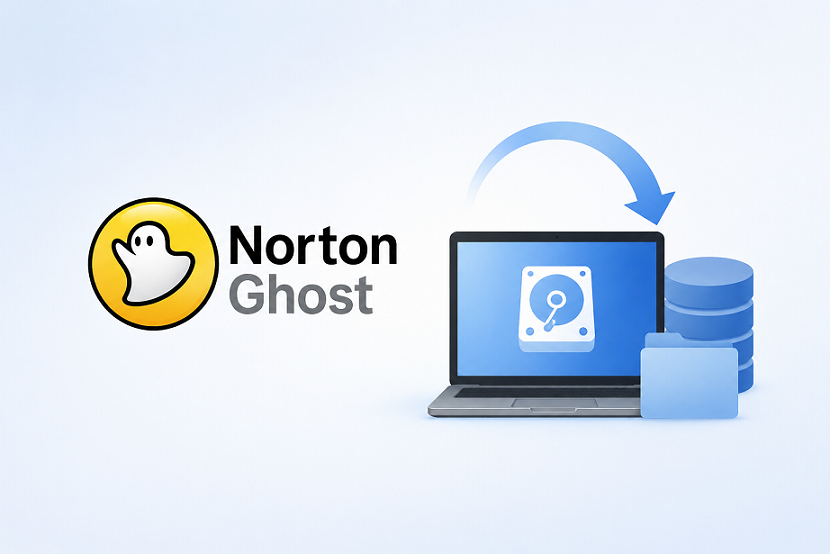
Norton Ghost was once the gold standard for disk imaging. If you are actively searching for a Norton Ghost alternative, you have likely discovered that your legacy workflow hits a wall on modern hardware. Norton Ghost fails to support UEFI/GPT partition schemes, NVMe drives, and Windows 11 security features, leading to failed clones and data loss. You need a modern, reliable replacement. In this guide, we analyze the best Norton Ghost alternative options. For users seeking a robust, automated, and Norton Ghost alternative free solution that handles modern system migrations with ease, CBackup stands out as the most recommended tool.
Why Norton Ghost Is No Longer Viable
The primary reason you are seeking an alternative is incompatibility. Technology has evolved rapidly, while Norton Ghost remains stuck in the legacy BIOS era.
- UEFI vs. BIOS: Modern computers use UEFI. Norton Ghost was designed for legacy BIOS, meaning it cannot properly boot systems on modern hardware.
- NVMe & SSD Support: Older software lacks the drivers to recognize high-speed NVMe protocols, often resulting in "disk not found" errors.
- GPT Partitioning: Modern drives use GPT (GUID Partition Table) to support drives larger than 2TB. Norton Ghost’s architecture is fundamentally incompatible with GPT layouts.
- Secure Boot: Windows 11 requires Secure Boot and TPM 2.0. Legacy imaging tools strip these headers, leaving you with a non-bootable clone.
Top Recommendation: CBackup (The All-in-One Modern Solution)
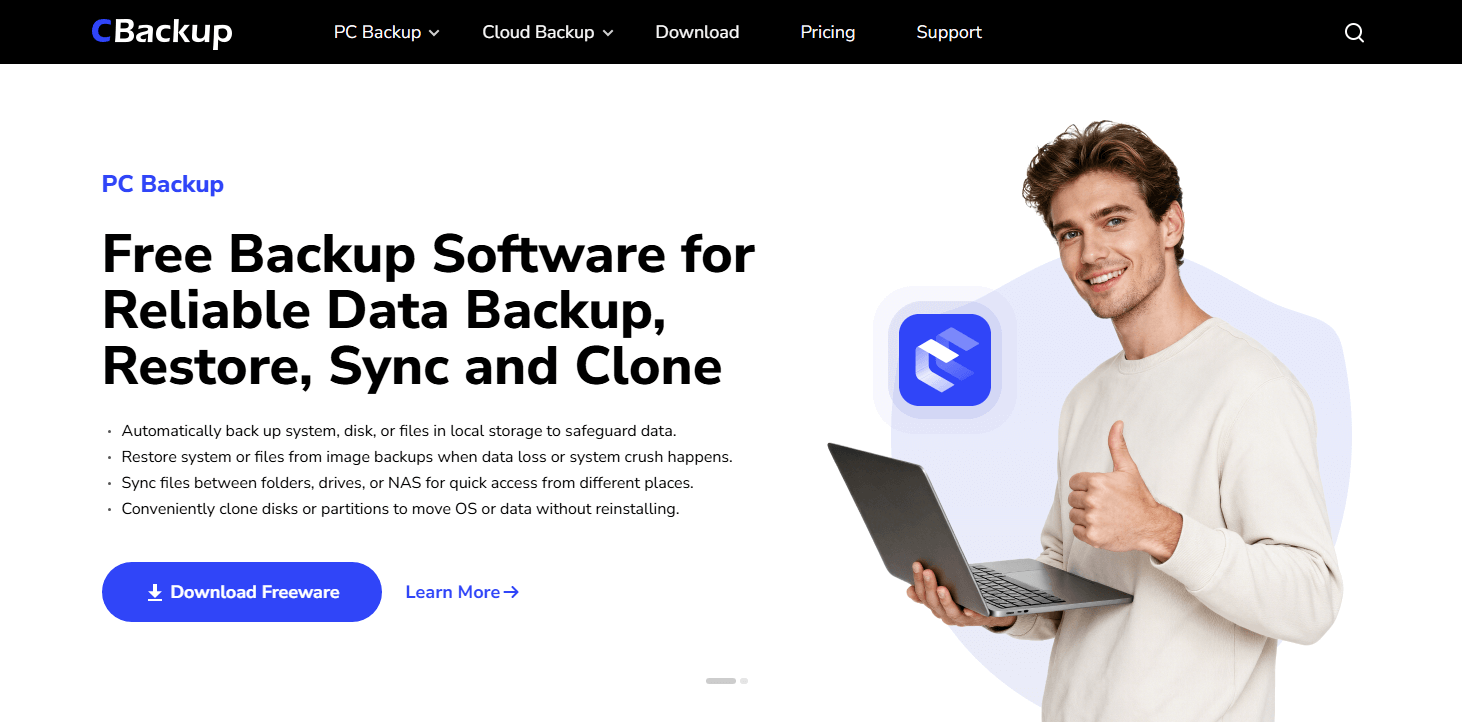
If you need a tool that bridges the gap between old-school reliability and modern requirements, CBackup is the current industry standout. It is not just an imaging tool; it is a full-suite backup and sync platform.
Why CBackup is the Preferred Choice
CBackup simplifies the complex process of system migration and data protection into a user-friendly interface.
- Native UEFI/GPT Support: Unlike Ghost, CBackup automatically detects partition structures and aligns them for modern booting.
- Hot-Cloning Technology: You can clone your OS to a new SSD while Windows is running. No rebooting into a DOS environment is required.
- Universal Compatibility: Works seamlessly across Windows 11, 10, 8.1, and 7, ensuring your transition to a new PC is frictionless.
- Zero-Cost Entry: CBackup offers a powerful free tier, making it the ideal Norton Ghost alternative free for home users and small business setups.
How to Migrate Your OS with CBackup
You do not need to be an IT expert to move your system. Here is the streamlined process:
Step 1. Download and Install: Obtain the CBackup software and launch it on your current machine.
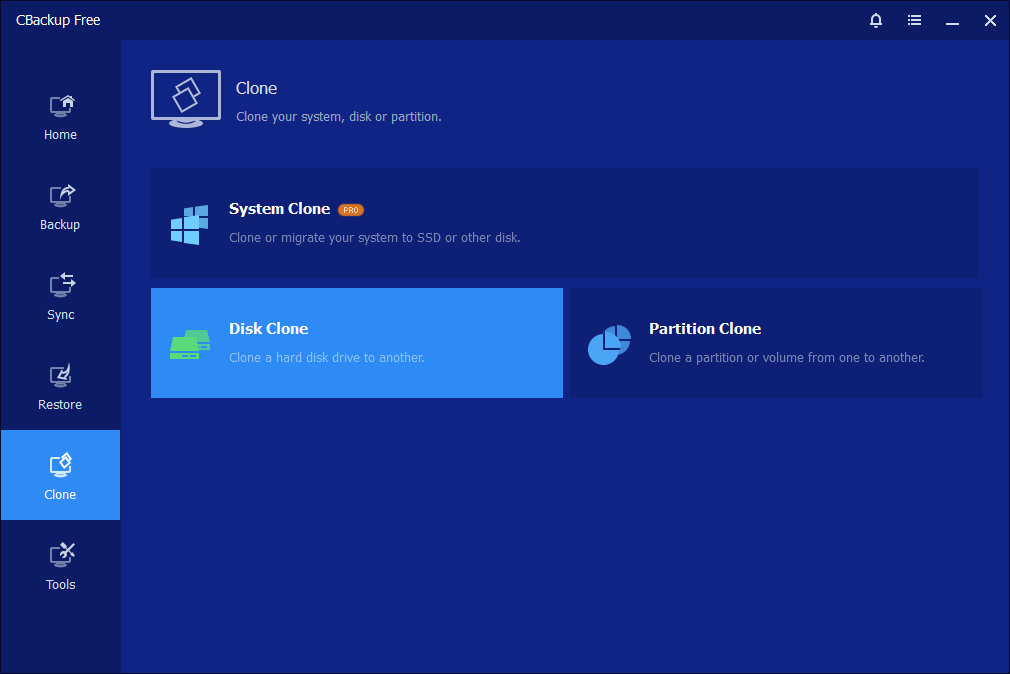
Step 2. Select Disk Clone: Navigate to the "Disk Clone" feature.
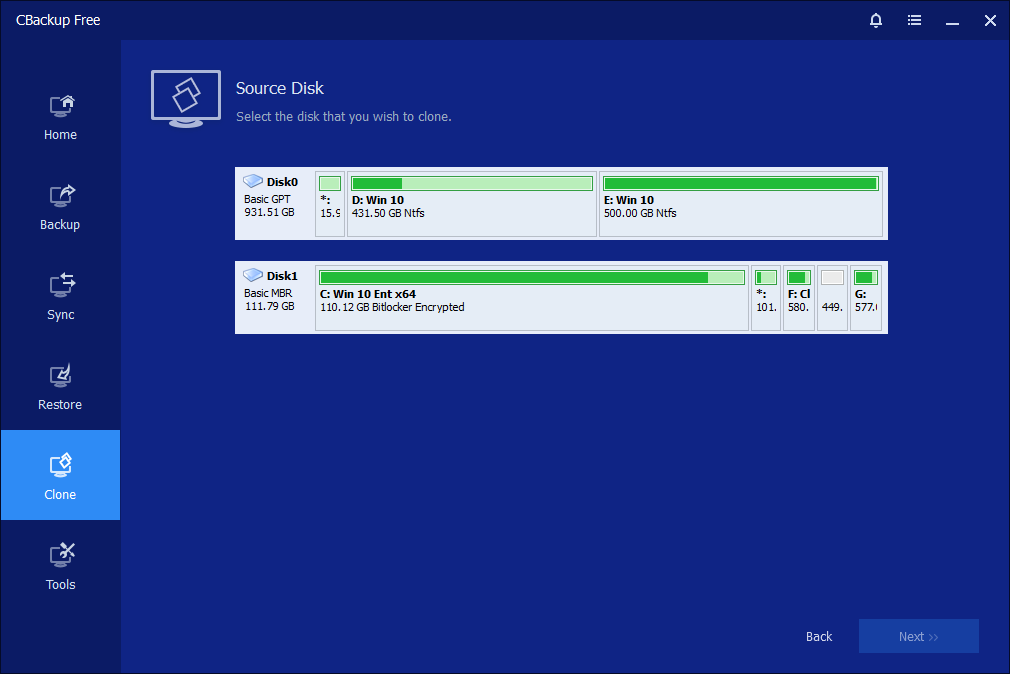
Step 3. Choose Source and Destination: Select your current drive as the source and your new SSD as the destination.
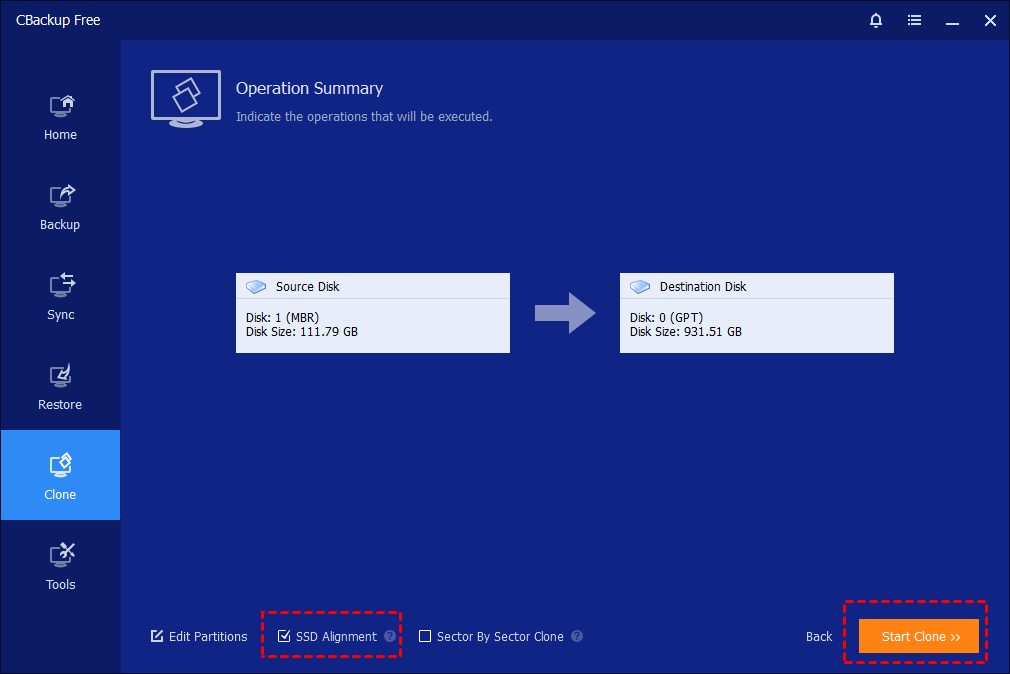
Step 4. Enable SSD Alignment: Ensure the "SSD Alignment" option is checked (this boosts read/write speeds on your new drive).
Step 5. Start Cloning: Click "Start Clone." CBackup will handle the partition structure and boot records automatically.
Other Reliable Norton Ghost Alternatives
While CBackup provides the most balanced experience for modern migration and automated cloud-integrated protection, your specific use case might demand a different tool. Here are the leading professional-grade alternatives for 2026, categorized by their technical focus.
1. Macrium Reflect (Professional & Enterprise Standard)
Macrium Reflect has transitioned into a strictly commercial product, having officially ended support for its free version. However, it remains the gold standard for IT professionals due to its legendary reliability. It utilizes a proprietary "Rapid Delta Cloning" engine that tracks block-level changes, making subsequent backups incredibly fast.
- Best For: IT administrators and power users who require absolute verification of backup integrity.
- Key Advantage: Unmatched "Rescue Environment" (WinPE) that can boot even the most stubborn, corrupted systems for recovery.
2. Acronis Cyber Protect Home Office
Acronis is no longer just a disk imager; it is a full security suite. This is the "all-in-one" choice for users who want to bundle disk cloning with active ransomware protection, vulnerability assessments, and antivirus scanning in a single dashboard.
- Best For: Users seeking a unified security and data protection ecosystem.
- Key Advantage: Integrated anti-malware that protects your backups from being encrypted by ransomware during the backup process itself.
3. Clonezilla (The Open-Source "Gold Standard")
Clonezilla remains the undisputed king of free, open-source disk imaging. Because it is Linux-based and operates independently of your installed OS, it is entirely "OS-agnostic." It does not care if your disk is corrupted or if your OS is unbootable; it clones sectors regardless of the file system.
- Best For: Sysadmins and "DIY" power users comfortable with command-line interfaces.
- Key Advantage: Zero licensing costs and the ability to handle massive, complex deployment tasks across hundreds of machines.
4. Rescuezilla (The GUI-Friendly Open-Source Solution)
Rescuezilla is essentially a graphical "wrapper" for Clonezilla. It offers the same powerful, underlying sector-by-sector cloning engine as its command-line cousin, but presents it within a clean, point-and-click interface that runs directly from a USB drive.
- Best For: Users who want the raw power of Clonezilla but require a user-friendly, visual environment.
- Key Advantage: Completely free, open-source, and eliminates the "fear factor" associated with command-line tools.
5. Veeam Agent for Windows (Free Edition)
Originally built for high-end server environments, Veeam has brought its enterprise-grade technology to the desktop. The free "Agent" version is remarkably robust. It is designed to be "set it and forget it," running quietly in the background to handle system-level snapshots with minimal resource impact.
- Best For: Users looking for "set and forget" reliability and advanced server-style recovery options.
- Key Advantage: Near-instant recovery of volumes and the ability to mount backups as virtual disks for quick file extraction.
Comparison Matrix: Modern Alternatives
|
Tool |
Focus |
Ease of Use |
Price Model |
|
CBackup |
Migration & CloudIntegration |
Very High |
Free Tier / Paid |
|
Macrium Reflect |
Data Integrity & Pro Recovery |
Medium |
Paid (Trial) |
|
Acronis Cyber Protect |
Security + Backup Suite |
High |
Subscription |
|
Clonezilla |
Open-Source/Enterprise Deployment |
Low |
Free (Open) |
|
Rescuezilla |
Open-Source/Ease of Use |
Medium |
Free (Open) |
|
Veeam Agent |
Enterprise Reliability |
Medium |
Free Agent |
Conclusion
Moving away from Norton Ghost is a necessity for any modern Windows environment. Because legacy tools cannot handle the complexities of UEFI, GPT, and NVMe hardware, utilizing a dedicated, up-to-date solution is the only way to ensure data integrity during system migrations. Whether you prioritize the ease-of-use and cloud integration offered by CBackup, or the specialized, high-performance features found in tools like Macrium Reflect or Clonezilla, the right software exists to make your transition frictionless. Assess your specific technical requirements, ensure you have a secondary backup of your data, and choose the alternative that best aligns with your workflow.
FAQs
Can I still open my old .gho files with modern software?
Is there a truly free Norton Ghost alternative?
Does a disk clone move my Windows license?
Why does my clone fail on Windows 11?
What is the difference between backup and cloning?
Free Get CBackup Now

Secure & Free