
 CBackup
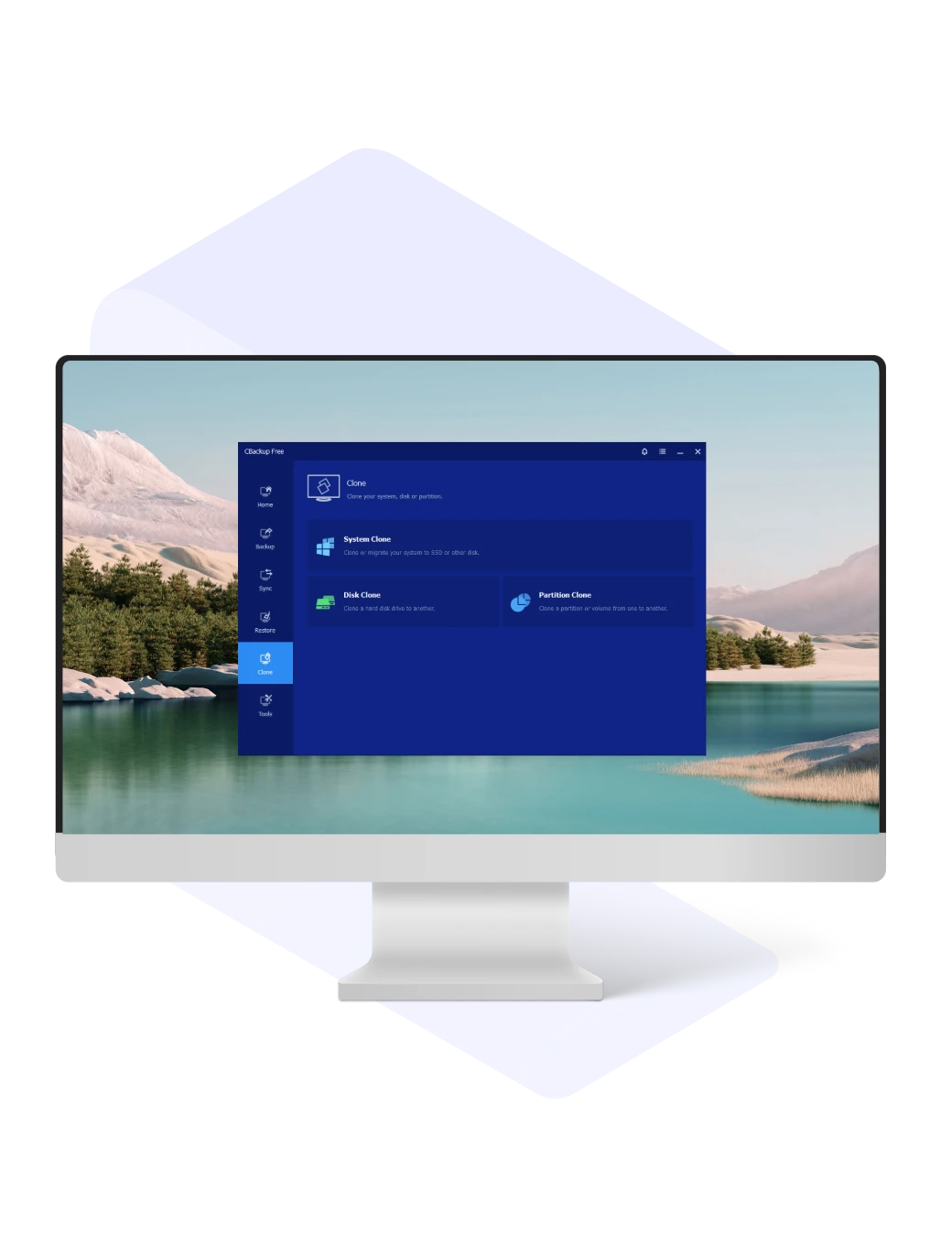
CBackup disk cloning software can easily create an exact copy of your entire disk or partition, ensuring seamless migration or backup without data loss.

Use CBackup to move your OS, files, and apps to an SSD or larger disk without reinstalling. CBackup will keep your setup and optimize space automatically.

Clone entire disks or system drives with secure boot to upgrade to SSDs, expand storage, back up important data, or recover from drive failure all through exact, bootable copies.

Easily clone partitions or dynamic volumes to transfer large amounts of data while preserving file structure, settings, and organization.

Easily adjust drive letters, partition types, and sizes during cloning to make full use of the target disk and avoid size issues.

Clone all sectors of a hard drive, including system files, to avoid boot failure. Alternatively, clone only used sectors and skip bad ones to successfully transfer data from a larger drive to a smaller one.

Ensure 4k alignment during SSD cloning to boost performance, speed, and lifespan while reducing errors for maximum efficiency.

Use command-line automation to carry out multiple cloning tasks without manual intervention, helping IT administrators and system managers improve efficiency and streamline operations.

Perform disk or partition cloning directly within the Windows PE environment, allowing system migration or data recovery even when the main operating system cannot boot.

Easily clone between MBR and GPT disk formats without the need for conversion. Perfect for hardware upgrades or disk replacements, it guarantees a smooth process and complete data transfer.
CBackup offers reliable disk cloning solutions to simplify data migration, system upgrades, and disk replacement in Windows environments.
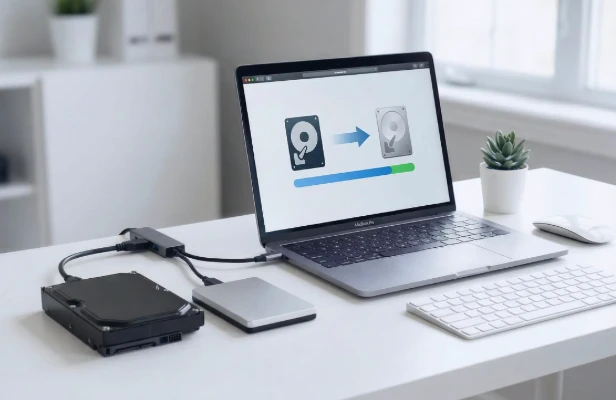
When your drive shows signs of failure or runs out of space, cloning it to a larger or more reliable disk helps prevent data loss and improves performance. CBackup ensures smooth upgrade as you can easily transfer your system and files between different-sized or brands of disks.
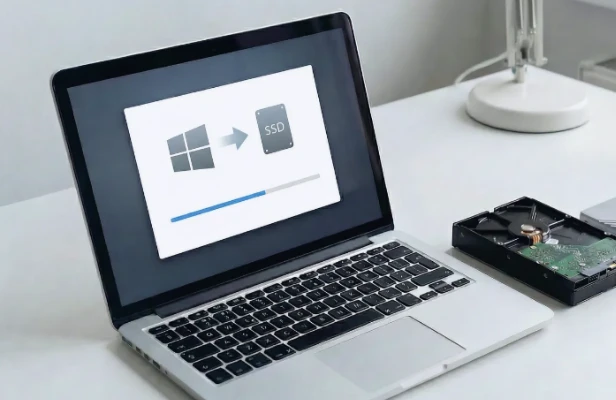
CBackup lets you clone your OS from HDD to SSD or between SSDs with full bootability and no hassle of reinstalling Windows. You could speed up boot time and app loading by migrating just the system partition or the entire disk.
CBackup offers fast recovery and protects against hardware failure, data loss, or ransomware.Cloning your hard drive creates a ready-to-use backup that can instantly replace a failed or compromised drive.
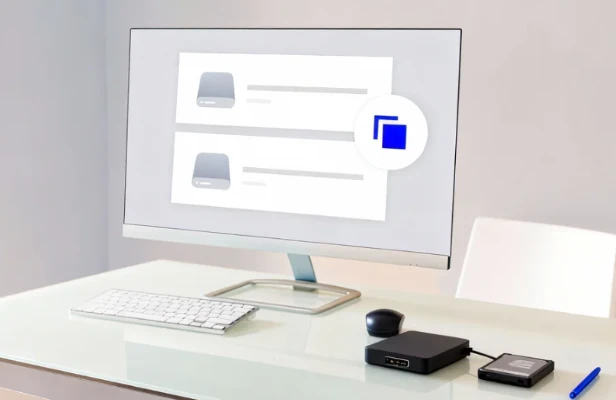
IT administrators can configure one system and use disk cloning software to create exact copies for each machine—saving time and ensuring uniform setups across devices.
No compatibility worries! Just plug in any drive and start cloning instantly.

Intel

SanDisk

Samsung

Toshiba

Kingston

ADATA

Crucial

Seagate

Plextor

PNY

Transcend

WD
Storage devices built with spinning magnetic disks and a mechanical actuator arm that handles reading and writing of data.
Utilize NAND flash memory instead of mechanical components, delivering higher speed, greater durability, and better energy efficiency.
Combine a traditional HDD with a small SSD cache, offering improved speed while maintaining large storage capacity.
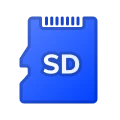
Compact storage media commonly used in cameras, smartphones, camcorders, and gaming consoles.
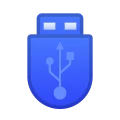
Highly popular portable storage options, often referred to as thumb drives or pen drives, used for quick and convenient data transfer.
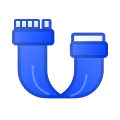
A connection standard for HDDs and SATA-based SSDs, including versions SATA I (1.5 Gbps), SATA II (3 Gbps), and SATA III (6 Gbps), commonly found in PCs and certain external drives.
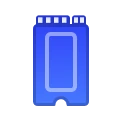
A popular option for both HDDs and SSDs, with variants such as M.2 NVMe, U.2 NVMe, and PCIe NVMe providing high-speed performance.
Designed for top-tier SSDs and expansion cards, supporting M.2 and U.2 drives through the PCIe bus for faster throughput.

Frequently deployed in enterprise environments like servers, data centers, and professional workstations. Versions include SAS-1.0, SAS-2.0, SAS-3.0, and SAS-4.0.
Standard for external HDDs and SSDs, covering USB 2.0, 3.0, 3.1, 3.2, 4.0, as well as modern USB-C and Thunderbolt connections.

Previously called SFF-8639, U.2 supports high-speed SSDs by allowing seamless integration of NVMe and SATA drives in enterprise-level systems.
CBackup offers a simpler, more flexible, and reliable cloning solution than Windows tools or other software. From everyday upgrades to professional IT management, it makes the process smooth and hassle-free.

Windows Built-in |

Third-Party Tools |

CBackup |
|
|---|---|---|---|
| Disk & Partition Clone | Varies | Full Support | |
| Clone to Smaller Drive (SSD) | Often Restricted | Support with Intelligent Cloning | |
| MBR/GPT Cross-Style Support | Sometimes Limited | Full Support | |
| SSD Alignment Optimization | Not Always Included | Full Support | |
| Bootable Cloning via WinPE | Not All Tools Support | Full Support | |