Schedule Backup & Sync
8 different schedule options including daily, weekly, monthly, etc to back up & sync files automatically and seamlessly.

Free Windows backup software and best cloud backup service CBackup helps back up and sync all your data to another drive, external drive, or to the cloud, with powerful file sync and disk clone solutions.


You may need assurance that your valuable files and systems are always protected. CBackup addresses this by providing reliable, automated backups that protect files and systems from hardware failures, deletions, or crashes, giving you confidence your data is always safe.

CBackup provides an efficient cloning solution that transfers the operating system, applications, and settings exactly as they were, eliminating the need for time-consuming reinstallation and setup, and ensuring a seamless upgrade experience.

CBackup enables you to combine free space from multiple clouds and accounts, as well as unused storage from paid plans, into one large online backup space. This not only saves costs but also makes full use of every bit of storage to securely back up your important data.
CBackup offers all-in-one backup solutions for Windows, protecting both personal and business data with features such as quick recovery, flexible file sync, and optimized disk cloning for better system performance.

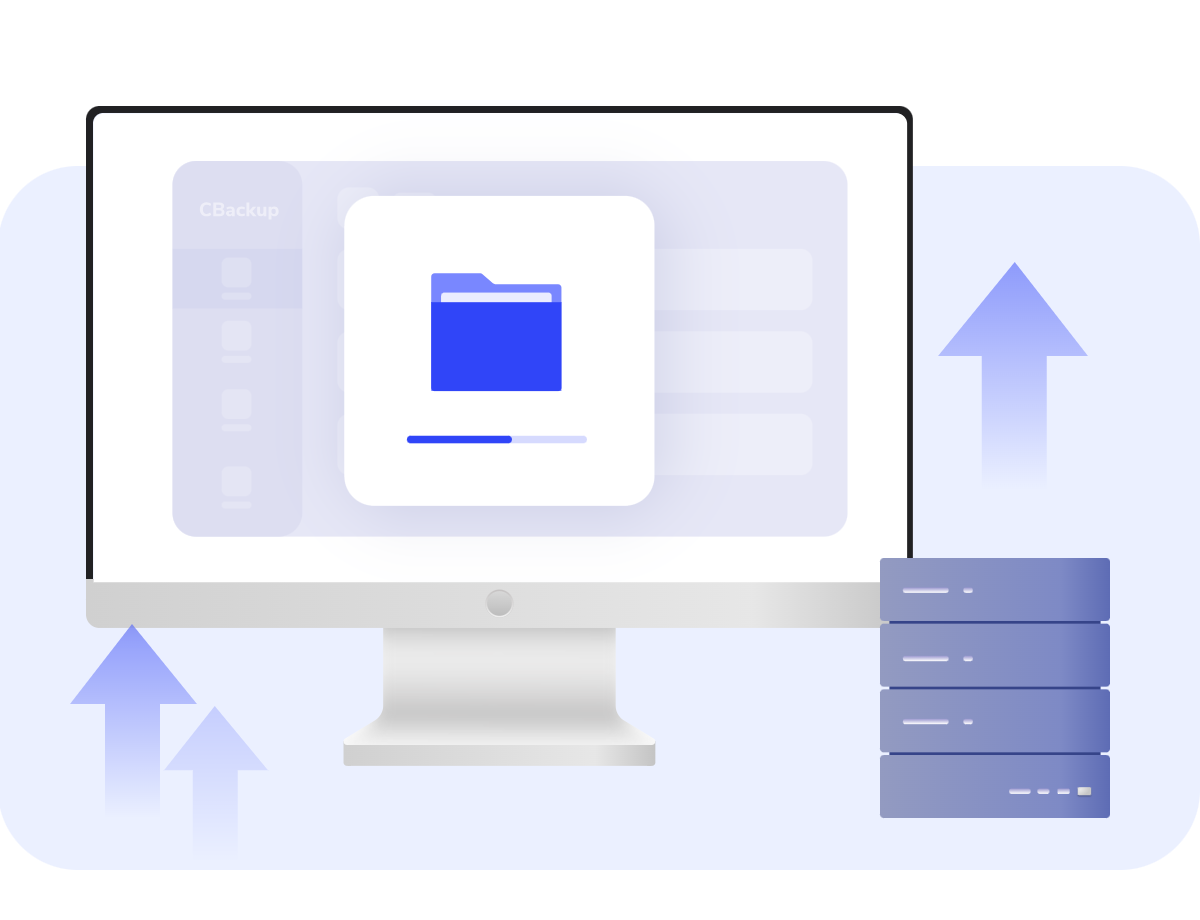
Easily create backups of your system, disks, partitions, or files to ensure quick recovery and data protection in the event of a failure.
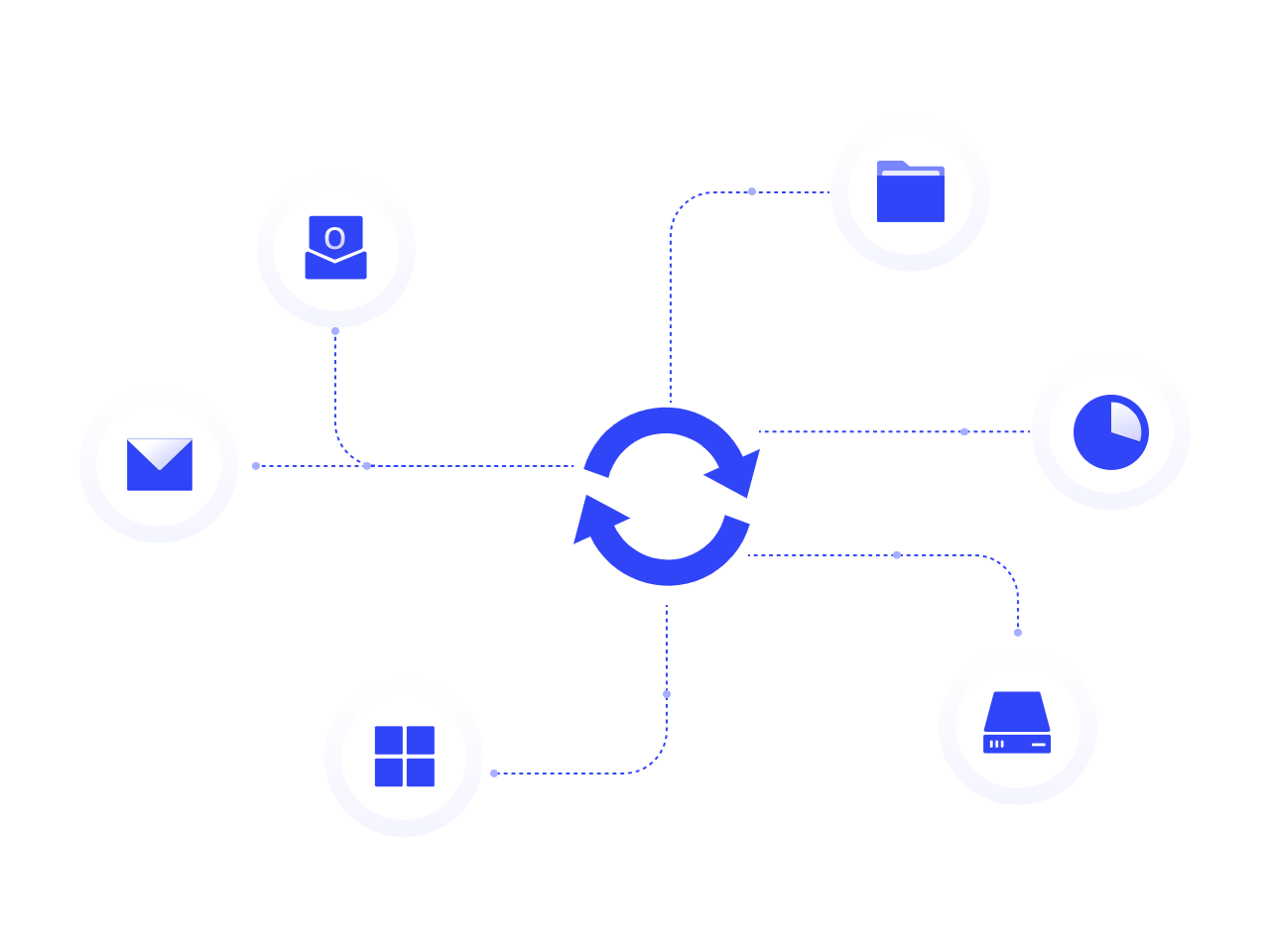
Automatically sync files across computers or storage devices using multiple modes to keep data consistent and current everywhere.
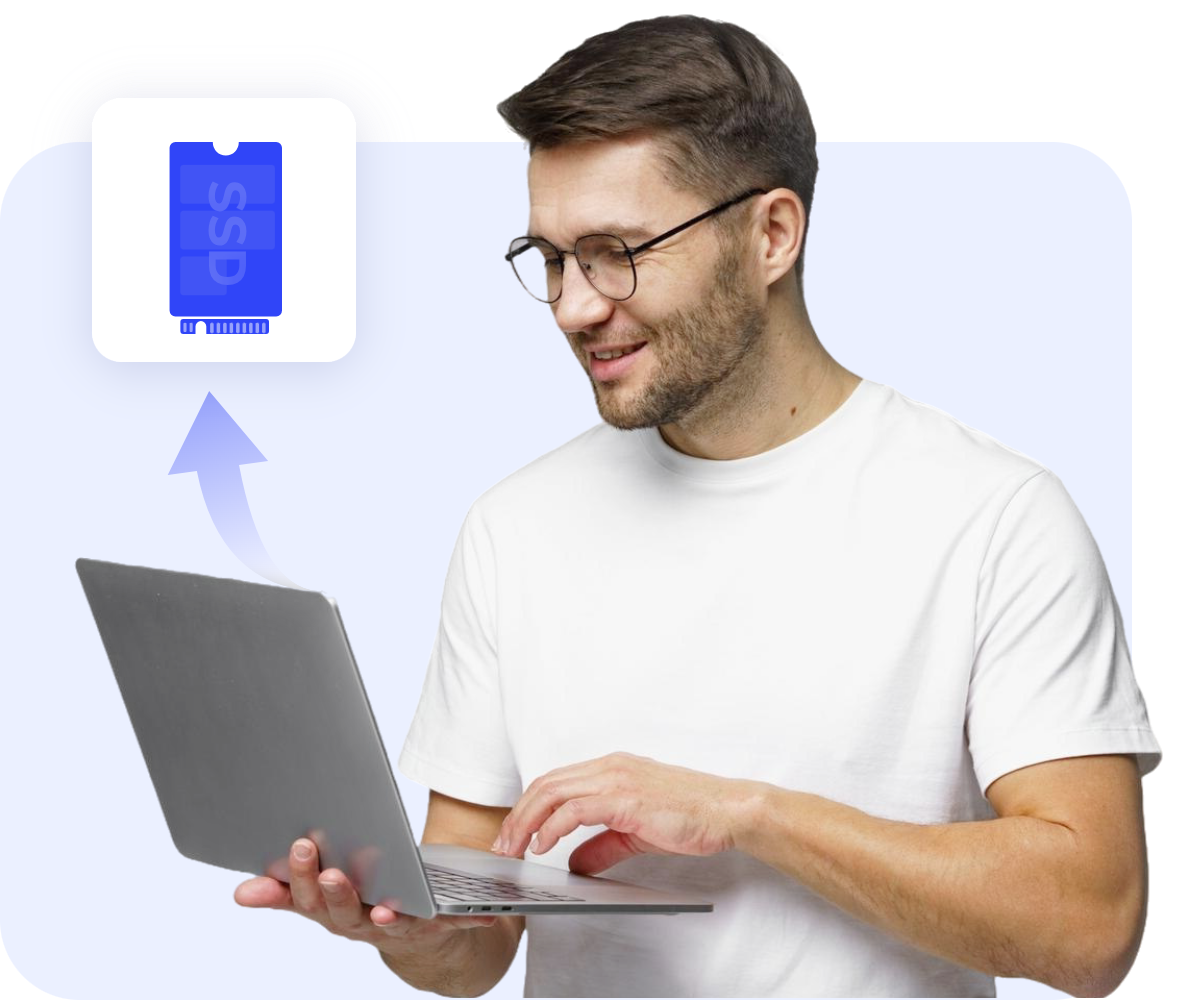
Migrate your OS to an SSD or clone a disk with no need to reinstall Windows. Your system stays bootable, and all data remains intact.
Back up files from local PC to secure cloud to protect critical data from loss. Sync PC data to cloud for easy access from anywhere without upload & download.
Back up one cloud to another to avoid data loss risks of account issues, service disturbances, etc. Sync data between different clouds to keep your cloud accounts updated automatically.

 High Control Over Your Data
You have high control over your data because all your backup files are saved on your trusted cloud drives and only you have the authority to access the backup files on the cloud drives.
 First-Class Security Technologies
CBackup use 256-bit AES Encryption technique to ensure your data security while transferring. And OAuth is also adopted to ensure that we will never save your login information when you add clouds to the backup software.
 Comply with GDPR
CBackup already meets the requirements of the GDPR to guarantee the privacy and security of your personal data. Also, we will never process your personal data unless for the specific purpose.
Schedule Backup & Sync
8 different schedule options including daily, weekly, monthly, etc to back up & sync files automatically and seamlessly.
Differential Backup
Only back up the difference between the previous full version and the latest version, which reduces the time and space.

Get Notification
Automatically send an email to notify the backup or restore status of the task according to your settings.
Saves only the changes since the last backup or full backup, reducing storage use and speeding up both backup and recovery.
Clone all sectors for a full bootable copy, or clone only used sectors to move data from a large drive to a smaller one, skipping bad sectors.
Selectively delete or restore specific backup versions as your needs.
Choose specific types of file extensions like .doc, .txt, .gif, etc. to back up or not to save your time and space.
Restore data from local drive, external hard drive, NAS, or cloud drive like Google Drive, OneDrive, and Dropbox, etc. with a few clicks.
For your better experience, we have made many optimizations to enable you to manage a backup task more flexibly.
We have been deeply involved in the data security industry for TEN years. Now we have more than 80 million users and get many industry awards from media and users.


“ CBackup software completes the work in a simple and direct way. When you’re backing up your Windows to an internal drive, external disk, or NAS, it’s certainly speedy. ”

“ It is strongly recommended that you try a free backup solution——CBackup, which has a simple interface and simple operation steps. It is based on wonderful Windows system backup and is also a free network-based cloud-to-cloud backup service. ”

“ CBackup is a powerful and professional Windows backup and cloud backup service. Most importantly, it is free and worth a try. ”

“ Backing up data to the cloud has become essential. Backup is a safe and free cloud backup tool, and is your best choice. ”
“ I used CBackup as my Windows backup software for several times, and it helped me a lot, restore all my files and folders I have when I lost them in my computer. Thanks, thanks, thanks... ”
“ CBackup Cloud is amazing for cloud drive space combination, no waste. So worthy to own it. It makes me feel safe while backing up data to my own clouds. ”
“ Wahoo! Successfully restored my data from Google Drive back to OneDrive!! The process did not take me that long than I expected, super cool. ”
“ I used CBackup for a few times, not very frequently, but it indeed makes me feel safe about my computer data since I can restore images from other drives whenever I want. ”
Best Free Online Backup Software and Reliable Windows Backup Software to Protect All your Devices at Once!
Download Freeware